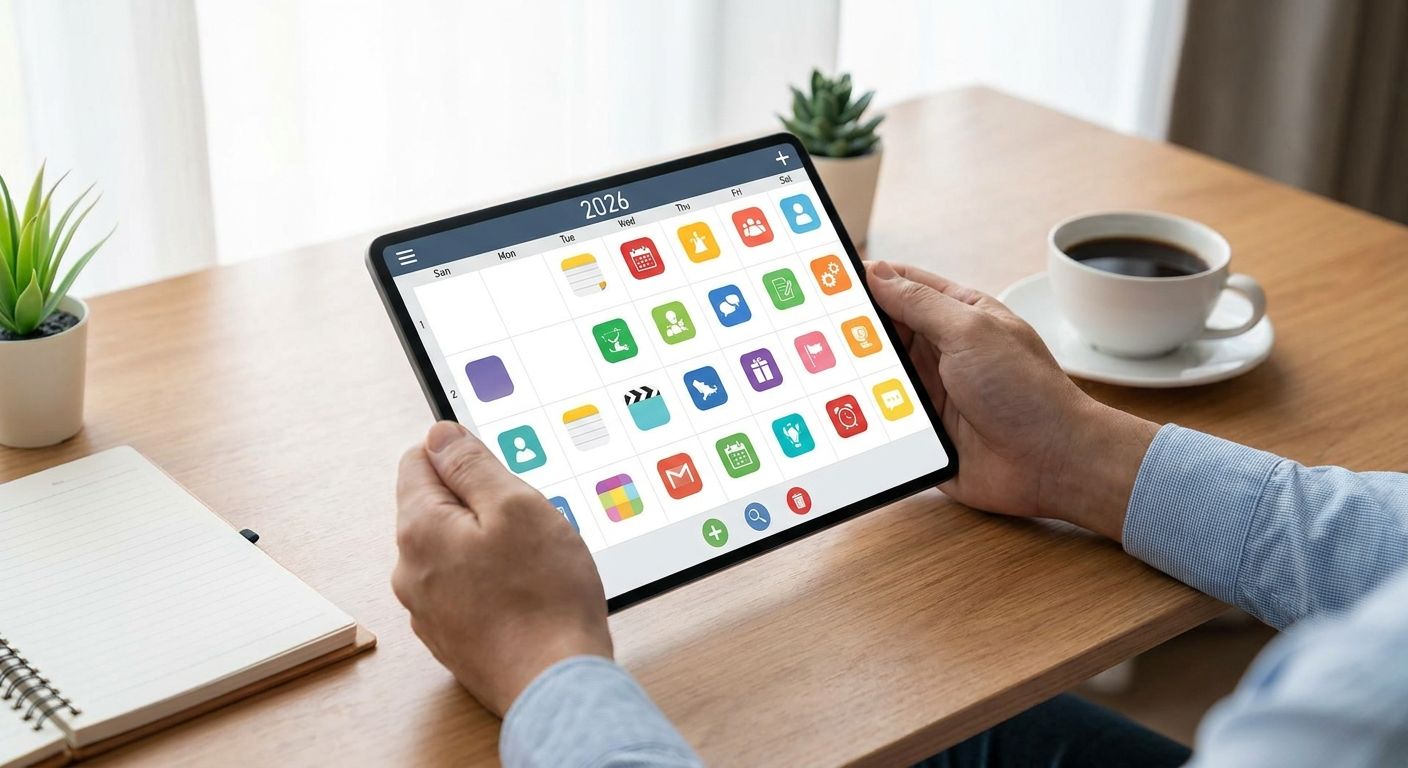
Choosing the best ADHD planning apps for adults in 2026 comes down to matching the tool to how your brain handles time, not to which app has the longest feature list. Below is a ranked breakdown of the apps worth trying, who each one actually fits, and where they fall short.
- Tiimo is the best overall ADHD planning app for adults in 2026 for its visual, widget-based day view.
- Sunsama suits adults who want tasks and calendar merged into one daily plan without app-switching.
- Google Calendar is the strongest free option if you already live in your inbox and calendar.
- Focusmate adds real-time accountability through virtual body doubling for ADHD brains that stall alone.
- An app organizes tasks; it doesn’t treat the executive function difficulties driving the overwhelm.
Why this matters
I'm a Registered Psychologist in Lethbridge, and ADHD comes up constantly in individual therapy for adults with ADHD sessions when the conversation turns to daily overwhelm. Most adults with ADHD haven't failed at planning because they lack discipline — they've failed because they picked a tool built for a neurotypical brain and blamed themselves when it didn't stick.
ADHD and anxiety overlap often enough that a planning app alone rarely solves the whole picture; if racing thoughts or dread about unfinished tasks is part of your experience, anxiety-focused therapy addresses a piece an app can't touch. What follows is a practical comparison of the planning apps adults with ADHD actually stick with in 2026, based on how each one handles time-blindness, task initiation, and follow-through.
What makes the best ADHD planning app
- Visual layout that reduces time-blindness — a day you can see, not just a list you have to imagine
- Low setup friction — adding a task takes seconds, not a menu of fields to fill out
- Calendar and task integration in one view — switching between three apps kills follow-through fast
- Built-in accountability or reminders — passive lists get ignored; active nudges get done
- Available on both iOS and Android or the web — a tool locked to one device gets abandoned
- A usable free tier — adults with ADHD need to try a tool before committing to it long-term
At a glance
| App | Best For | Standout Feature | Key Limitation |
|---|---|---|---|
| Tiimo | Overall ADHD planning | Widget-based visual timeline | Can feel busy for minimalists |
| Sunsama | Merging calendar and tasks | Daily planning ritual before each shift | Requires a daily setup habit |
| Google Calendar | Free time-blocking | Already on every device | No ADHD-specific prompts |
| Todoist | Quick capture | Natural-language task entry | Weak visual sense of time |
| Structured | Single-timeline view | Drag-and-drop day planner | Limited long-term project view |
| Habitica | Gamified motivation | Turns tasks into an RPG | Novelty can wear off |
| Focusmate | Accountability | Live virtual body doubling | Requires scheduled sessions |
1. Tiimo: best ADHD planning app for adults overall
Tiimo was built specifically for neurodivergent adults, and it shows in the widget-based day view that lays out your whole schedule as a visual timeline rather than a text list. Tasks show as color-coded blocks with icons, and the app nudges you toward the next thing instead of leaving you to remember it.
Tiimo pros:
- Visual timeline reduces the guesswork of "how long is this actually going to take"
- Routine templates cut setup time for recurring mornings or work blocks
- Widget lives on your home screen, so you see the plan without opening the app
Tiimo cons:
- The visual density can overwhelm someone who wants a bare-bones list
- Deep customization takes a learning curve in the first week or two
Tiimo pricing: check the app's current pricing directly, since tiers and terms shift.
Best for: adults who think in pictures and need to see time, not just read about it. Verdict: Buy.
2. Sunsama: best for merging calendar and task list into one plan
Sunsama pulls in your calendar, email, and task lists from tools like Trello or Asana, then asks you to build one intentional plan for the day each morning. It's built around a daily planning ritual rather than a constantly-updating list.
Sunsama pros:
- One list instead of five open tabs across different tools
- The daily check-in ritual builds a routine that ADHD brains often need externally
- Carries unfinished tasks forward automatically instead of letting them vanish
Sunsama cons:
- The daily setup step adds friction on days when you're already behind
- Best value shows up only if you actually use the integrations
Sunsama pricing: confirm current plans on Sunsama's site before committing.
Best for: adults juggling calendar invites, email, and multiple task apps who need one merged view. Verdict: Buy.
3. Google Calendar: best free ADHD planning option
Google Calendar isn't built for ADHD, but it's already installed, already synced across your devices, and free. Time-blocking directly in the calendar — assigning every task an actual start and end time — is a well-documented technique for adults who lose track of how long things take.
Google Calendar pros:
- Free, and syncs automatically across phone, laptop, and tablet
- Color-coding by category gives a rough visual sense of the day
- No new app to learn or abandon
Google Calendar cons:
- No ADHD-specific nudges, routines, or gamification
- Time-blocking only works if you commit to entering every task manually
Best for: adults who want to try time-blocking before paying for a dedicated app. Verdict: Buy if you're testing the concept before spending money.
4. Todoist: best for quick task capture
Todoist's natural-language input lets you type "pay rent every 1st of the month" and it builds the recurring task automatically. For adults with ADHD, the barrier to capturing a thought before it disappears matters more than almost any other feature.
Todoist pros:
- Fast capture means fewer forgotten tasks in the first place
- Recurring task logic handles bills, appointments, and routines without re-entry
- Works across every major platform
Todoist cons:
- It's a list, not a visual timeline — time-blindness isn't addressed directly
- Long lists can turn into their own source of overwhelm without regular pruning
Best for: adults whose main problem is forgetting tasks the moment they think of them. Verdict: Buy as a capture tool, paired with a calendar for the visual side.
5. Structured: best single-timeline day planner
Structured strips the day down to one vertical timeline you build by dragging tasks onto specific times. It's closer to a paper planner than a project management tool, which is exactly the appeal for some adults with ADHD.
Structured pros:
- One screen, one timeline — no tabs or nested projects to get lost in
- Drag-and-drop rescheduling is fast when plans shift mid-day
- Clean interface with minimal visual noise
Structured cons:
- Weak for long-term projects that span weeks
- iOS-first, with a less mature Android experience
Best for: adults who want the simplest possible visual day, nothing more. Verdict: Hold if you're on Android and need feature parity.
6. Habitica: best for gamified motivation
Habitica turns your task list into a role-playing game — completing tasks earns experience points and in-game rewards, missing them costs health. For adults whose ADHD brain responds to novelty and reward more than deadlines, that structure can work where a plain list fails.
Habitica pros:
- Immediate reward for task completion, which suits dopamine-driven motivation
- Party and guild features add social accountability
- Free tier covers the core game mechanics
Habitica cons:
- The gamification can lose its pull after the novelty wears off
- Not built for detailed calendar or time-blocking needs
Best for: adults who respond to games and rewards better than to reminders. Verdict: Buy if novelty-driven motivation is a known pattern for you.
7. Focusmate: best for accountability through body doubling
Focusmate pairs you with another person for a scheduled virtual work session, typically 25 or 50 minutes, where you both work in silence on camera. Body doubling — working alongside someone else, even a stranger — is a widely used ADHD strategy for task initiation, and Focusmate builds a whole app around it.
Focusmate pros:
- The scheduled session itself is often what gets a stalled task started
- Works well for tasks you keep avoiding despite good intentions
- No planning features to learn — it's purely a start-the-task tool
Focusmate cons:
- Requires committing to a fixed appointment time, which can feel like one more thing to manage
- Doesn't organize your task list or calendar at all
Best for: adults who plan things fine but struggle to actually start them. Couples where one partner has ADHD sometimes use it together as a shared accountability block — worth reading how to support a partner with ADHD in your relationship if that's your situation. Verdict: Buy for task-initiation problems specifically.
“An app can hold your task list. It can’t hold your attention for you.”
Need more than an app can offer?
Work with a Registered Psychologist in Lethbridge on the ADHD patterns behind the overwhelm.
How this ranking was built
Each app was weighed against the six criteria above: visual layout, setup friction, calendar-task integration, built-in accountability, cross-device availability, and a usable free tier. Apps built specifically for ADHD or neurodivergent users (Tiimo, Structured) scored higher on visual layout; general productivity apps (Todoist, Google Calendar) scored higher on availability and cost. No app scored well on every criterion — that's the honest state of ADHD planning tools heading into 2026.
Which ADHD planning app should you choose?
If you want one answer: start with Tiimo for the visual timeline, or Google Calendar if you want to test time-blocking before spending anything in 2026. Add Focusmate on top of either one if your real problem is starting tasks, not organizing them. Switch to Sunsama once you're managing enough calendar invites and cross-tool tasks that a merged daily view earns its keep. None of these choices are permanent — most adults with ADHD cycle through two or three apps before one sticks, and that's normal, not a failure of willpower.
FAQ
What’s the best ADHD planning app for adults in 2026?
Tiimo is the strongest overall pick in 2026 for its visual, widget-based timeline built specifically for neurodivergent users. Sunsama and Google Calendar are strong alternatives depending on budget and existing tool habits.
Is Tiimo better than Todoist for ADHD?
Tiimo is better for adults who need a visual sense of time, while Todoist is better for fast task capture through natural-language input. Many adults with ADHD use both together rather than choosing one.
Can a free app like Google Calendar work for ADHD?
Yes, Google Calendar works well for ADHD if you commit to time-blocking every task with a start and end time. It lacks ADHD-specific nudges, so it works best for adults who are already fairly consistent with routine.
How much do ADHD planning apps cost in 2026?
Most ADHD planning apps offer a free tier with paid upgrades for more features; exact pricing changes often, so check each app’s current pricing page before subscribing. Google Calendar remains free with no paid tier.
Do ADHD planning apps replace therapy or medication?
No. Planning apps organize tasks and time but don’t address the underlying executive function difficulties that make planning hard in the first place. Therapy and medication target the condition; apps manage the output.
Is Focusmate effective for ADHD procrastination?
Focusmate is effective specifically for task initiation, since the scheduled session with another person creates external pressure to start. It doesn’t help with organizing tasks or planning your week.
What features should an ADHD planning app have?
Look for a visual layout, fast task capture, calendar-task integration in one view, and built-in reminders or accountability. A free tier matters too, since most adults with ADHD need to test a tool before trusting it.
Can couples use the same ADHD planning app to stay coordinated?
Yes, shared calendars in apps like Sunsama or Google Calendar work well for couples coordinating schedules around one partner’s ADHD. Some couples pair a shared calendar with a Focusmate session for shared accountability on household tasks.
One last thing
The adults who stick with an ADHD planning app past the first month almost always pair it with one external accountability point — a partner, a coworker, a Focusmate session, or a therapist checking in weekly. The app holds the plan; something outside the app holds you to it. If ADHD is affecting a relationship as much as it's affecting your task list, couples counselling for parents of a child with ADHD covers the coordination side these apps can't touch.
Related guides
Leave a Reply