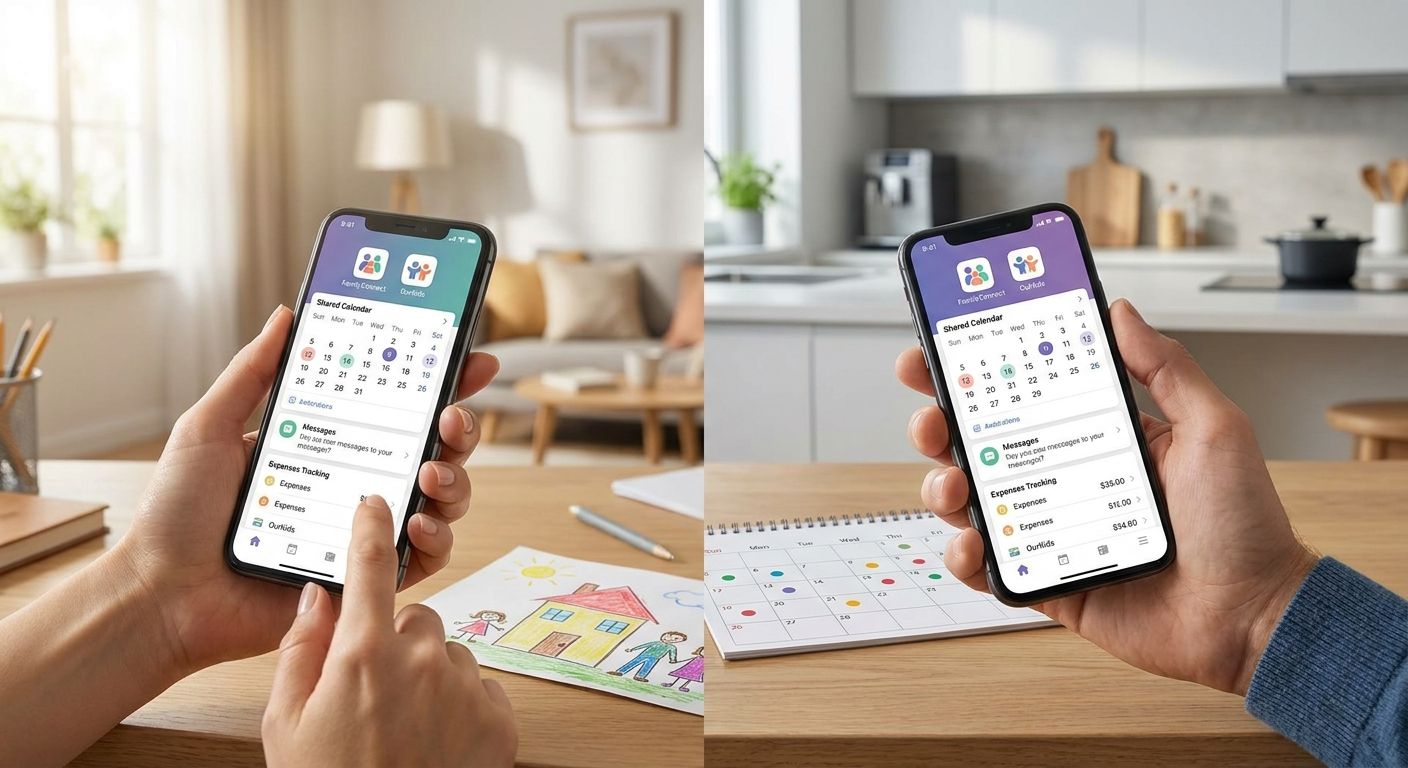
Best overall for high-conflict co-parenting: OurFamilyWizard. Best free option: TalkingParents. Best for combining scheduling and expenses: AppClose. Best for detailed expense reporting: 2houses. Best for documenting parenting time for custody arrangements: Custody X Change.
- OurFamilyWizard wins for high-conflict co-parenting in 2026 because messages are timestamped and court-admissible.
- TalkingParents is the best free co-parenting app for basic message tracking without a subscription.
- AppClose bundles scheduling, expenses, and messaging in one free-tier app.
- An app manages logistics; it does not fix the communication pattern that caused the conflict in the first place.
Why this matters
Separated parents don't fight about the calendar. They fight about tone, timing, and who gets blamed when a pickup goes wrong. A well-chosen app removes a lot of the friction points that turn a scheduling question into a three-day text argument.
In sessions on couples counselling for co-parenting after separation, the app almost always comes up as either a relief or a battlefield. The difference isn't the app — it's whether both parents are actually ready to use it as a tool for the kids instead of a weapon against each other.
This guide ranks five co-parenting apps by what they actually solve in 2026: conflict documentation, scheduling clarity, and cost. None of them replace working through the underlying communication problem, but the right one buys you fewer arguments while you do that work.
What makes the best co-parenting app
- Message record integrity — timestamps, no editing or deleting, exportable for legal use
- Shared calendar with change requests — both parents see and approve schedule changes in one place
- Expense tracking — shared costs logged with receipts, not argued over by text
- Tone moderation — some apps flag hostile language before it sends
- Cost accessibility — a free tier or low-friction entry matters when both parents have to opt in
- Court recognition — whether family courts and lawyers already know the platform
At a glance
| App | Best for | Standout feature | Key limitation |
|---|---|---|---|
| OurFamilyWizard | High-conflict co-parenting | Court-recognized message log with tone flagging | Both parents need an account to get full value |
| TalkingParents | Low-cost message tracking | Free, timestamped, unalterable message history | No expense tracking or shared calendar tools |
| AppClose | Scheduling plus expenses | Free tier combining calendar, messaging, and cost splitting | Less established as a court reference than older platforms |
| 2houses | Detailed expense splitting | Itemized cost reports and shared family journal | Less recognized by Canadian courts than U.S.-built alternatives |
| Custody X Change | Tracking parenting time | Generates custody schedules and time-share reports | Built for documentation, not daily messaging |
1. OurFamilyWizard: best co-parenting app for high-conflict situations
OurFamilyWizard is the platform most family lawyers already recognize. Every message is timestamped and stays in the record — nobody can edit or delete what they sent, which matters when a dispute ends up in front of a judge.
OurFamilyWizard pros:
- Message tone flagging catches hostile language before it's sent
- Shared calendar with a formal request-and-approve workflow for schedule changes
- Expense tracking with receipt uploads tied to each shared cost
- Widely accepted as a documentation source in Alberta family court matters
OurFamilyWizard cons:
- Both parents need active accounts for the record to be complete
- Interface feels more clinical than casual family apps
Best for: parents already in or headed toward a formal custody dispute. Verdict: Buy.
2. TalkingParents: best free co-parenting app for message records
TalkingParents does one thing well: it keeps an unalterable, timestamped log of every message between co-parents, without a subscription barrier stopping either side from signing up.
TalkingParents pros:
- No cost to create an account and start a message record
- Messages can't be edited or deleted by either party
- Simple enough that reluctant co-parents actually use it
TalkingParents cons:
- No built-in expense tracking
- Calendar and scheduling tools are thinner than dedicated co-parenting platforms
Best for: parents who need a documented record but don't need the full suite of scheduling and expense tools. Verdict: Buy.
3. AppClose: best co-parenting app for scheduling and expenses together
AppClose combines messaging, a shared calendar, and expense splitting into one free-tier app, which makes it a practical middle option when neither parent wants to pay for a subscription-only tool.
AppClose pros:
- Free access to messaging, calendar, and expense features together
- Document storage for things like report cards and medical records
- Contact directory for sharing info with other caregivers
AppClose cons:
- Not as universally recognized by courts as OurFamilyWizard or TalkingParents
- Fewer tone-moderation tools for high-conflict messaging
Best for: lower-conflict co-parents who want logistics in one place without paying for it. Verdict: Buy.
4. 2houses: best co-parenting app for detailed expense splitting
2houses focuses on the money side of co-parenting — itemized expense reports, a shared family journal, and a calendar built around split custody schedules.
2houses pros:
- Detailed, exportable expense reports broken down by category
- Shared journal for passing along school and medical notes
- Calendar built specifically around alternating custody weeks
2houses cons:
- Less familiar to Canadian family lawyers than U.S.-built platforms
- Interface and support skew toward its European user base
Best for: parents whose main friction point is shared expenses, not communication tone. Verdict: Hold — solid for expenses, weaker as a standalone messaging record.
5. Custody X Change: best co-parenting app for tracking parenting time
Custody X Change is built for documentation, not day-to-day chat. It generates formal parenting schedules and time-share reports that can be used to calculate or dispute custody percentages.
Custody X Change pros:
- Generates court-ready parenting time schedules automatically
- Tracks time-share percentages over months, not just weeks
- Useful for calculating child support inputs tied to overnight counts
Custody X Change cons:
- Not built for ongoing messaging between parents
- Steeper learning curve than simple calendar apps
Best for: parents in an active custody calculation or modification. Verdict: Hold — bring it in alongside a messaging app, not instead of one.
How we ranked these
Each app was weighed against the six criteria above: message integrity, calendar functionality, expense tracking, tone moderation, cost accessibility, and court recognition. OurFamilyWizard and TalkingParents rank highest because they solve the record-keeping problem that causes the most co-parenting disputes in 2026 — he-said-she-said arguments about who agreed to what.
“An app can log the message. It can’t teach either parent how to say it differently next time.”
Which co-parenting app should you choose?
If you're heading into or already inside a custody dispute, OurFamilyWizard is the default pick for 2026 — the record it keeps holds up. If cost is the barrier and conflict is lower, TalkingParents gets the same message integrity without a subscription.
Pick based on what's actually breaking down: expenses, scheduling, or tone. Stacking two apps — a messaging platform plus Custody X Change for time-tracking — is common and reasonable once a custody arrangement is being formalized.
Struggling with co-parenting disagreements?
Work through the communication patterns an app can’t fix.
An app organizes the logistics. It won't stop a pickup-time text from turning into a fight about something that happened four years ago. That pattern gets addressed in a room, not a message thread — which is where individual therapy for people going through separation tends to do more than any feature update ever will.
FAQ
What is the best co-parenting app for high-conflict situations?
OurFamilyWizard is the best co-parenting app for high-conflict situations in 2026 because its message log is timestamped, unalterable, and widely accepted by family courts. It also flags hostile language before a message sends.
Is TalkingParents really free?
Yes, TalkingParents offers free account creation and message tracking without a paid subscription required to start a documented record. It lacks the expense tracking and calendar features found in paid alternatives.
Can co-parenting app messages be used in court?
Messages from apps like OurFamilyWizard and TalkingParents are commonly submitted as evidence in family court because they can’t be edited or deleted after sending. Courts generally weigh them more heavily than screenshots of text messages, which can be altered.
What’s the difference between OurFamilyWizard and AppClose?
OurFamilyWizard is more established with family courts and includes tone-moderation tools; AppClose offers similar scheduling and expense features on a free tier but has less court history behind it. Choose OurFamilyWizard for formal disputes and AppClose for lower-conflict logistics.
Do co-parenting apps reduce anxiety around separation?
A clear record and shared calendar remove some of the uncertainty that fuels anxiety after separation, but the apps don’t address the underlying stress of the transition itself. That’s typically worked through in individual therapy rather than through scheduling software.
How do I get my ex to actually use a co-parenting app?
Free options like TalkingParents or AppClose lower the barrier to entry since neither parent has to pay to join. Framing the app as protection for both parents’ records, rather than a tool aimed at one side, tends to get more buy-in.
Are co-parenting apps enough to fix communication problems?
No, co-parenting apps document and organize communication but don’t change the patterns that cause conflict in the first place. Parents dealing with repeated blow-ups over the app usually need to address the pattern directly, often with a counsellor.
What features should a co-parenting app have?
A strong co-parenting app needs an unalterable message log, a shared calendar with a change-approval process, and expense tracking with receipts. Tone moderation and court recognition are bonus features worth prioritizing in high-conflict cases.
One last thing
The apps that get recommended most by family lawyers in 2026 — OurFamilyWizard and TalkingParents — both lead with the same feature: a message record neither parent can quietly edit later. That single design choice, more than any calendar or expense tool, is what actually reduces disputes, because it removes the argument about what was said in the first place.
What it doesn't remove is the reason the argument started. Parents who keep escalating inside a documented, tone-flagged app usually aren't dealing with a tool problem.
Related guides
- Individual therapy for single parents
- How to rebuild your identity after a separation
- Best strategies to reduce conflict in blended families
Leave a Reply